Imagine this: You have a physical store. You spent thousands of dollars on a beautiful sign outside. You ran ads in the local paper. People are walking in, browsing your shelves, and picking up items. They walk to the counter, ready to pay.
But when they pull out their credit card, your machine freezes. Or it takes 30 seconds to load. Or worse, it says “Declined” even though they have money in the bank.
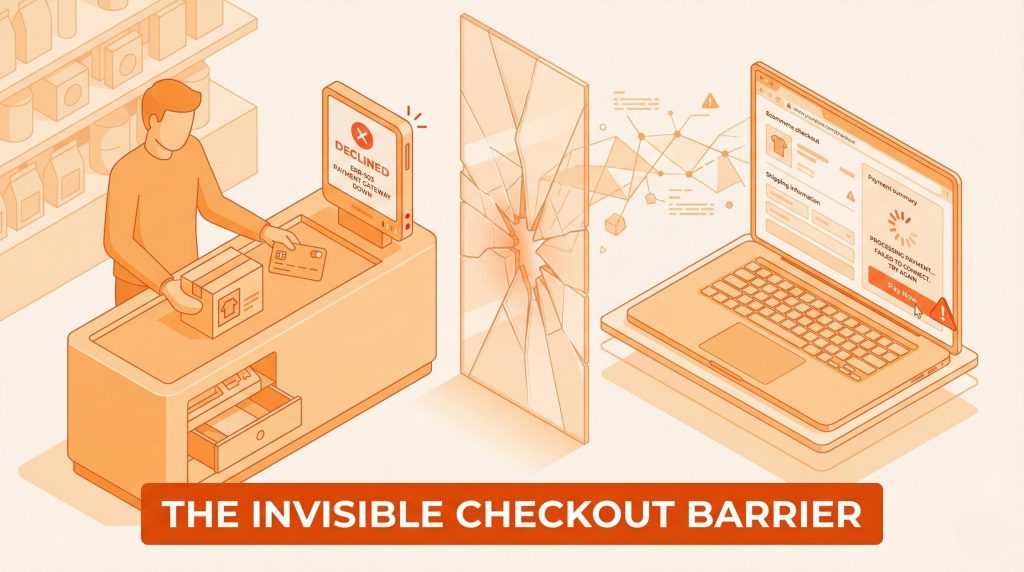
What happens? They leave. They leave the product on the counter and walk out. You did all the hard work to get them there, but you failed at the very last second.
This is exactly what happens on your website when you have the wrong payment gateway.
At CustomLiftBD, we see this every day. We work with business owners who have great products and great marketing. They come to us asking, “Why isn’t my business growing?”
The answer is often an “invisible barrier.” They are losing sales because their checkout process is too slow, too confusing, or doesn’t look trustworthy.
A payment gateway is not just a tool. It is the gatekeeper of your revenue. If the gate is hard to open, people won’t come in.
In this guide, we are going to fix that bottleneck. We will explain exactly how to pick a payment gateway that doesn’t just process money but helps you make more of it.
What is a Payment Gateway? (And Why You Should Care)
Let’s keep this simple. You don’t need to be a tech wizard to understand this.
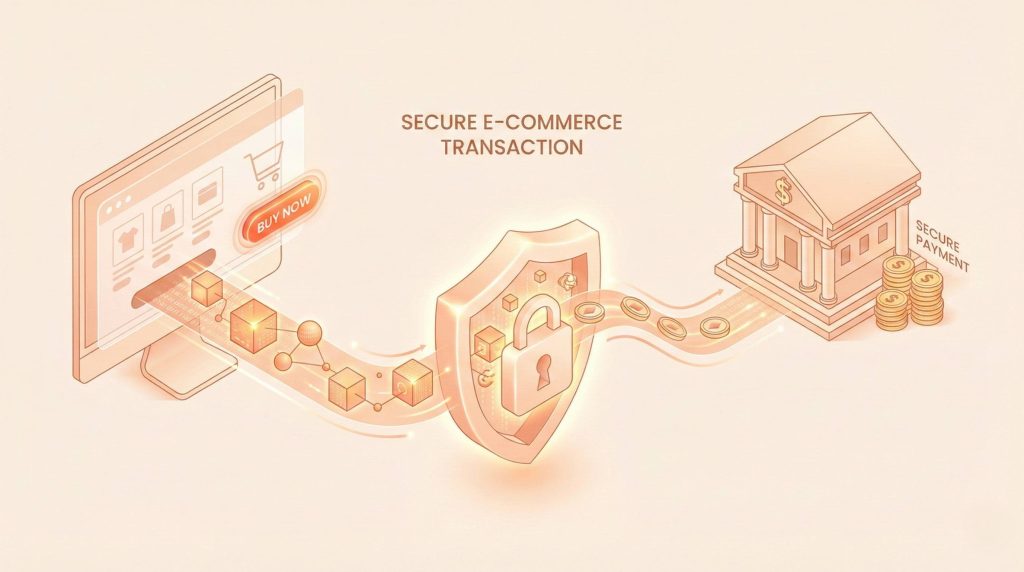
A payment gateway is the digital version of the credit card machine at a grocery store. It is the middleman between your website and the bank.
When a customer clicks “Buy Now” on your site, the payment gateway does three big jobs in just a few seconds:
- It Checks Validity: It asks, “Is this a real credit card? Does it have money on it?”
- It Protects Data: It encrypts (locks up) the customer’s private information so hackers can’t steal it.
- It Moves Money: If everything looks good, it tells the bank to move money from the customer’s account to your merchant account.
It sounds simple, right? But here is the catch: Not all gateways do this well.
A few are incredibly slow. Others will hit you with huge fees. Worst of all, many scare customers away by making them leave your website to pay
If you choose the wrong one, you aren’t just annoying your customers you are leaking revenue.
The “Silent Killers” of Your Sales
Before we look at specific brands, we need to look at features. Most business owners just look at the price. They ask, “Which one is the cheapest?”
This is a dangerous mistake.
A “cheap” gateway might save you 1% in fees, but if it causes 10% of your customers to give up at checkout, you are losing way more money than you are saving.
Here are the biggest problems we see when we audit eCommerce businesses:
1. The “Redirect” Trap
Have you ever shopped online, clicked “Pay,” and suddenly the screen flashed white and sent you to a completely different website (like PayPal) to finish the order?
That is called a Hosted Payment Gateway.
It redirects the customer away from your store. For small businesses, this is easy to set up. But for a growing brand, it can be a disaster.
Why? Trust.
When a customer leaves your site, they get confused. They might think, “Wait, where did I go? Is this safe?” This breaks the smooth experience you worked so hard to build.
We recommend Integrated Payment Gateways. These keep the customer on your website the whole time. They type their card numbers right there on your checkout page. It feels seamless, professional, and fast.
2. The Speed Problem
In the world of online shopping, impulse is everything. Customers buy when they are excited.
If your payment gateway takes 10 seconds to load a spinning wheel, that excitement dies. Doubt creeps in. They think, “Maybe I don’t need this right now.”
Speed is a feature. The best gateways process transactions instantly.
The CustomLift Fix: Don’t just test your site on fast office WiFi. Test your checkout page on a phone using regular 4G data. If it takes more than 3 seconds to load, your payment gateway is too “heavy” and is costing you sales.
3. False Declines
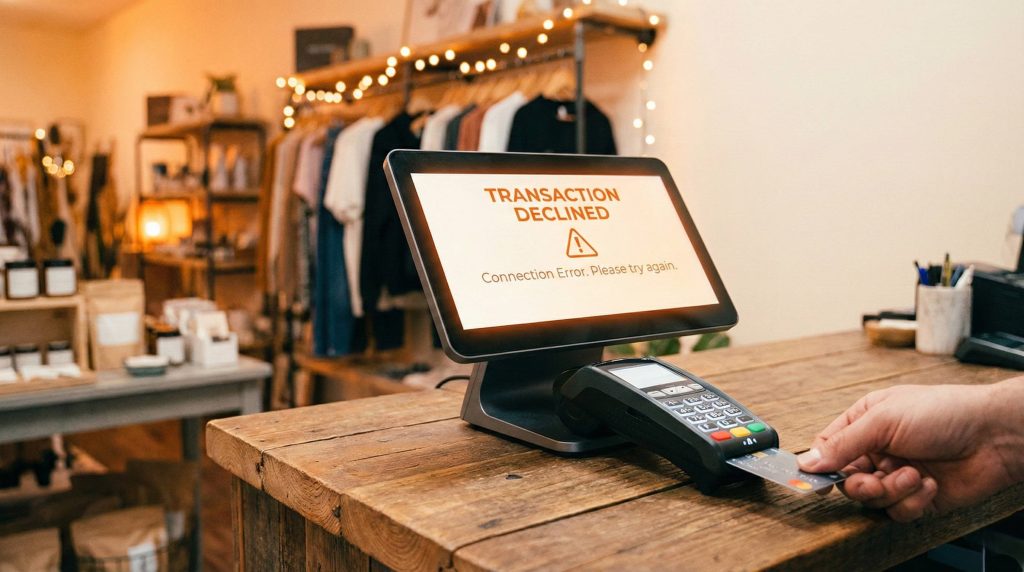
This is the most painful one. Sometimes, a gateway’s security is too strict. A legitimate customer tries to buy your product, but the gateway thinks it is fraud and blocks them.
We call this a “False Positive.” It is insulting to the customer. They won’t try again; they will go to your competitor. You need a gateway that is smart enough to stop thieves but welcome real buyers.
The Price of Growth: Understanding Fees
Now, let’s talk about money. Every payment gateway charges fees. But they don’t all charge them in the same way.
As a business owner, you need to look at your margins. If you are selling a product with a low profit margin, a high transaction fee can eat up your profits fast.
Here is what you need to look for in the fine print:
+1
- Setup Fees: Some old-school gateways charge you just to turn the service on. Most modern ones don’t, but always check.
- Monthly Fees: Some charge a flat rate (like $30/month) just to keep the account open, whether you make sales or not.
- Transaction Fees: This is the big one. It is usually a percentage plus a fixed amount (for example, 2.9% + 30 cents per sale).
- Hidden Fees: Watch out for “cross-border fees.” If you are in Australia and a customer buys from the USA, some gateways charge an extra 1% or 2%.
The CustomLiftBD Advice: Don’t just pick the one with the lowest percentage. Do the math. If a gateway costs a little more but converts 20% more customers because it’s faster and easier to use, it is worth the extra cost. Results matter more than vanity metrics like “lowest fees.
+1
Going Global: Currencies and Locations
Are you only selling to people in your city? Or do you want to dominate the market in the USA, UK, and Canada?
If you are a B2B brand looking to scale, you need a gateway that thinks globally.
Imagine a customer in London visits your site. Your prices are in Dollars. They have to do mental math to figure out how much it costs in Pounds. That is friction.
Good payment gateways offer Multi-Currency Support.
This means the gateway automatically detects where the customer is and shows the price in their local money. They pay in Pounds, and the gateway converts it and deposits Dollars into your account.
If your gateway doesn’t support this, you are effectively closing the door on millions of international customers.
Also, check the Holding Period. This is how long the gateway keeps your money before giving it to you.
+1
- Some pay you the next day.
- Some wait 7 days.
- Some hold your money for weeks if they think a transaction looks “risky.”
For a growing business, cash flow is oxygen. You need that money to buy more inventory or pay for ads. A 7-day delay can hurt your ability to scale. Always ask: “When do I actually get my money?”
Security: Trust is Your Best Sales Tool

We talked about speed and fees, but nothing matters if your customers don’t feel safe.
Online fraud is real, and customers are scared of it. If your checkout page looks sketchy, they won’t enter their credit card number.
You need to look for the PCI DSS stamp of approval. That stands for Payment Card Industry Data Security Standard. It’s a fancy way of saying, “This system is locked down tight.”
When a customer sees the little padlock icon or a “Verified Secure” badge, they relax. Their brain says, “It’s safe to buy here.”
But security isn’t just about badges. It’s about data protection. If your site gets hacked and customer credit card numbers are stolen, your business might never recover. The fines are huge, and your reputation is ruined.
Using a reputable, top-tier payment gateway shifts that burden. They are responsible for securing the card data, not you. This lets you focus on growing your business, not fighting hackers.
Mobile Shopping: The “Thumb” Economy
Look at your own habits. How often do you buy things on your phone?
Probably a lot.
The data is clear:more people are shopping on mobile phones than on desktop computers. Since today’s customers are using mobile apps over desktops, you need to pick a payment gateway that works well across the mobile alongside the web interface.
But “mobile-friendly” doesn’t just mean it fits on a small screen. It means it is easy to use with a thumb.
If a customer has to type in their 16-digit credit card number, expiry date, and shipping address on a tiny keyboard while riding the bus, they might give up. It’s too much work.
This is why you need a gateway that supports Digital Wallets like Apple Pay and Google Pay.
+1
With these tools, the customer just scans their fingerprint or face, and boom the order is placed. No typing. No friction.
We have seen clients switch to gateways that offer Apple Pay and see their mobile sales jump overnight. It removes the “I’ll do it later when I have my wallet” excuse.
Stop The Revenue Leaks: How to Choose the Best Payment Gateway

we talked about the “silent killers” of your sales: slow speeds, hidden fees, and gateways that scare customers away.
But what happens when your business actually succeeds? What happens when you go from 10 orders a day to 1,000?
This is where most businesses hit a wall. They picked a “starter” payment gateway that was easy to set up, but now that they are growing, that same gateway is holding them back.
At CustomLiftBD, we call this the “Growth Ceiling.”
In this second half, we are going to show you how to avoid that ceiling. We will look at scalability, the nightmare of bad customer support, and give you our honest comparison of the top players in the market.
Scalability: Don’t Get Punished for Success
Imagine this: It is Black Friday. Your ads are working perfectly. Customers are flooding your site. You are making sales every minute.
Suddenly, everything stops.
Your payment gateway freezes. You get an email saying, “You have exceeded your monthly limit.”
It sounds unbelievable, but it happens. Many payment gateways set an upper limit on the transaction amount you can process on a monthly basis.
They do this to protect themselves from risk. But for you, it is a disaster. If you run a small business, a $5,000 limit might be fine. But if you are scaling aggressively, hitting that limit means your store effectively closes down until next month.
The “High-Ticket” Trap This is even more critical for our B2B clients. If you sell expensive equipment or wholesale orders, a single transaction might be $2,000 or $5,000.
Some gateways have a daily limit. If you sell three big items, you might be blocked for the rest of the day.
What You Must Do:
- Check the Caps: Before you sign up, find a payment gateway that does not have limited growth options. Ask them directly: “Is there a monthly cap?”
- Negotiate: As you grow, you have leverage. High-volume merchants can often negotiate lower transaction fees and higher limits. Don’t accept the standard price list if you are processing millions.
- Look for “Volume Discounts”: The best partners reward you for growing, they don’t punish you.
The “2:00 AM” Test: Why Support Matters

Technology breaks. It is a fact of life.
The question is not if it will break, but when. And usually, it breaks at the worst possible time like 2:00 AM before a major launch, or on a weekend.
When your payment gateway goes down, you are losing money every second. You cannot afford to send an email and wait 24 hours for a reply.
You need to pay close attention to the type of customer support that comes with each gateway.
The CustomLiftBD Checklist for Support: When we audit a client’s tech stack, we ask these hard questions:
- Do they sleep? Do they provide support 24/7 or only during business hours?. If their office is in a different time zone, “business hours” might be the middle of the night for you.
+1 - Can you talk to a human? Do you get access to phone support?. Chatbots are great for simple questions, but when your revenue is stuck, you need a real person.
- Is there a lifeline? Do they offer live technical assistance?. You don’t want a “ticket number,” you want a solution.
- Do they know YOU? For larger businesses, figure out whether there will be a dedicated account manager for your business.
A dedicated manager is a game-changer. If something goes wrong, you don’t call the general helpline; you call Mike. And because Mike is familiar with your business case, he fixes it immediately.
Our Verdict: Never choose a gateway that only offers email support. In a crisis, email is too slow.
The Top Contenders: A Quick Comparison
There are hundreds of options out there. It is easy to get overwhelmed.
To help you narrow down your choices, here is a quick breakdown of the most popular gateways we see, and who they are best for.
1. Stripe
- Best For: Brands that want total customization and control.
- The Good: It is the gold standard for developers. It handles multi-currency incredibly well and integrates with almost everything.
- The Bad: It can be technical. If you don’t have a developer, it might be overwhelming.
- CustomLiftBD Take: Excellent for scaling, but ensure you have the tech skills to use it.
2. PayPal
- Best For: Trust and familiarity.
- The Good: Everyone has a PayPal account. It is very easy for customers to use.
- The Bad: It often redirects customers away from your site (unless you pay for the premium version). The fees can be higher than others.
- CustomLiftBD Take: Use it as a secondary option. Don’t make it your only gateway.
3. Authorize.net
- Best For: Traditional B2B and high-risk industries.
- The Good: It has been around forever. It is incredibly stable and trusted by banks.
- The Bad: The interface feels a bit old-fashioned compared to Stripe.
- CustomLiftBD Take: A solid, safe choice for established businesses that process high-volume, standard transactions.
4. Shopify Payments
- Best For: Stores built on Shopify.
- The Good: It is built-in. Zero setup time. It tracks everything in your dashboard.
- The Bad: You are locked into their ecosystem. If you ever leave Shopify, you lose your payment data.
- CustomLiftBD Take: The path of least resistance. Great for starting, but keep an eye on fees as you scale.
The Final Integration Check
You have picked a gateway, checked the fees, and verified the support. Now, how do you actually put it on your website?
Payment gateway integration can sometimes be complex.
You generally have three choices:
- Hosted: The “Redirect” we warned you about. (Easiest to set up, worst for conversion).
- Self-Hosted: You control everything, but you are responsible for security. (Hardest to set up, best for big brands).
- API Hosted: The middle ground. The customer stays on your site, but the data goes straight to the gateway.
Most modern platforms simplify the whole process by offering multiple integration methods. For example, solutions like Shopify or WebCommander simplify the whole process by allowing you to keep customers on your site while handling payments securely and efficiently. This prevents the ‘redirect’ friction we mentioned earlier.
Pro Tip: Before you launch, do a “Real Money Test.” Buy a product from your own store using your own credit card. Go through the refund process too. If it feels clunky to you, it will feel clunky to your customer.
Your Roadmap to Revenue
We started this guide with a simple truth: A payment gateway is not just a utility. It is a growth tool.
You can have the best product in the world, but if your customers stumble at the finish line, you lose.
To fix your sales bottlenecks, you must prioritise your business objectives.
- If your goal is Trust, pick a gateway with strong security badges.
- If your goal is Global Scale, pick one with multi-currency support.
- If your goal is Speed, pick an integrated API solution.
Don’t let a bad checkout experience be the “invisible barrier” that stops your growth.
Are you still unsure which gateway fits your specific business model? At CustomLiftBD, we don’t guess.We look at the data. Our team helps eCommerce brands identify exactly where they are leaking revenue whether it is bad ads, poor SEO, or a clunky checkout process.
Now, let’s build a custom roadmap for you. Let’s break those barriers and build success together.